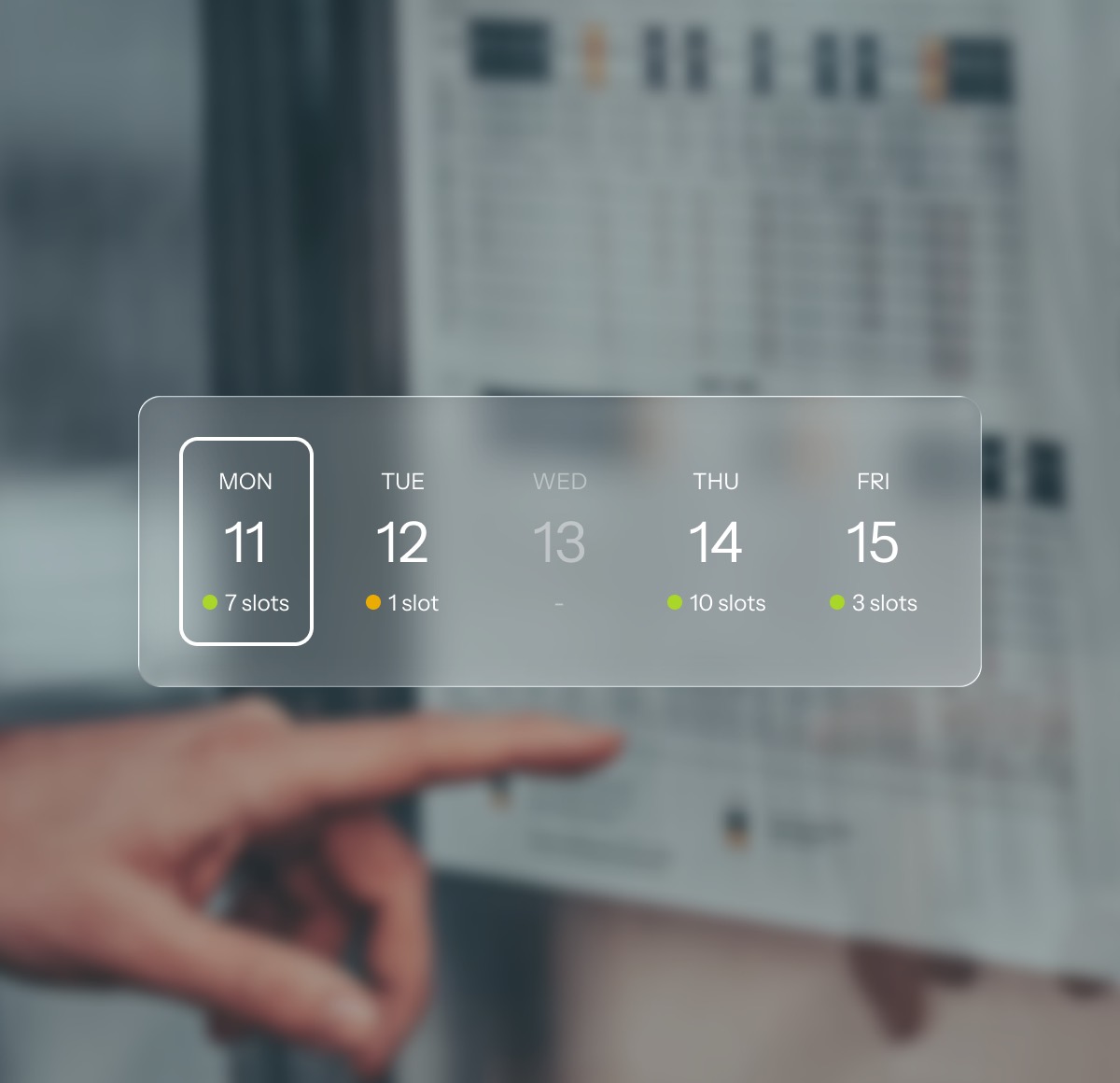
Can this room take a patient in the next hour?
The answer depends on the kiosk, six devices, the consumables, the cleaning log and the door lock. It is worthless if it takes four phone calls.
Designed for operators who run more than one room
One system runs a whole network of self-service medical rooms, where every role gets its own interface and all of them write to one record.
The answer depends on the kiosk, six devices, the consumables, the cleaning log and the door lock. It is worthless if it takes four phone calls.
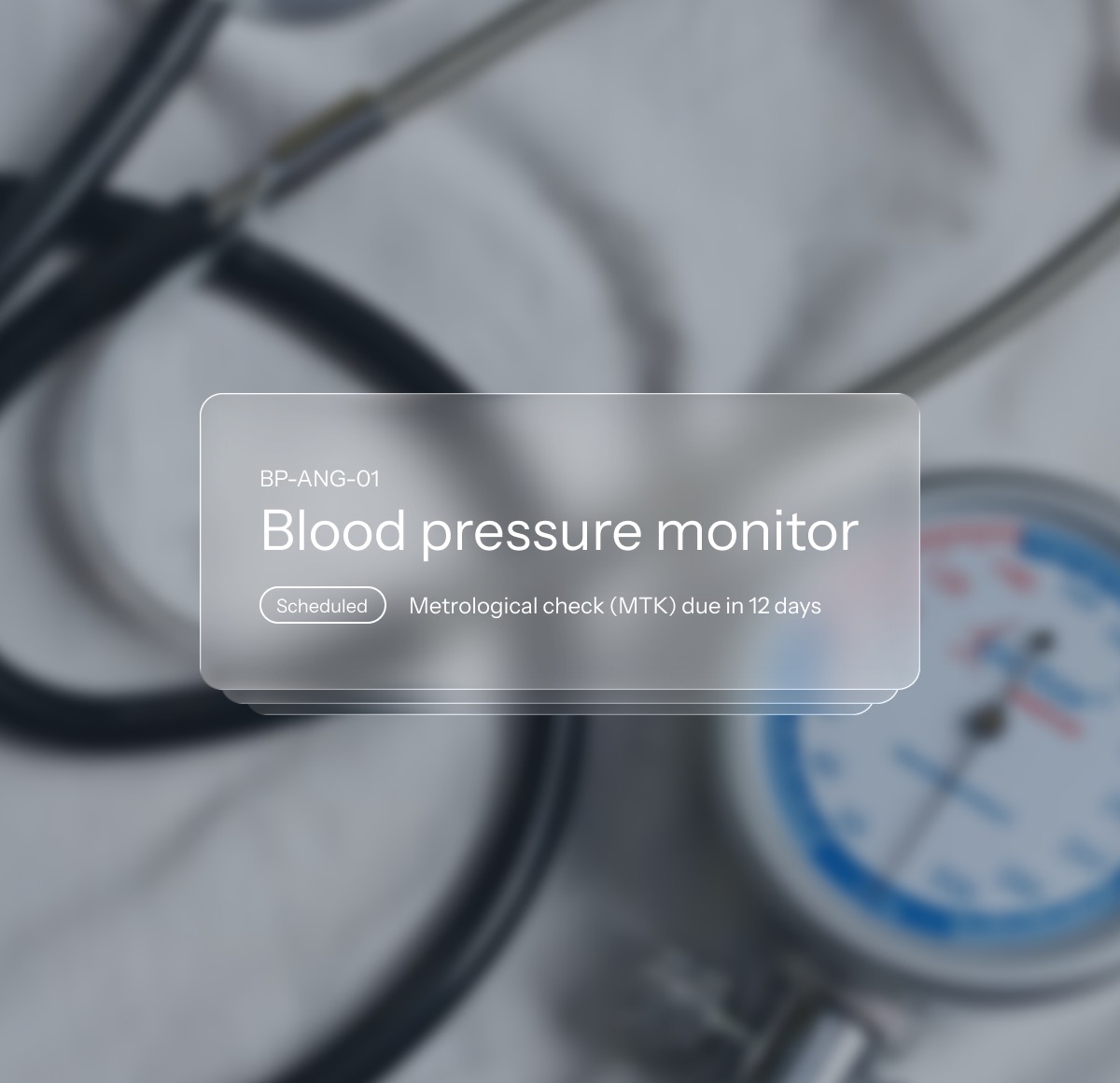
Maintenance intervals and metrological checks run per device. You keep the device registers the MPBetreibV asks for in the same system, and the checks fill themselves in from the work orders that were actually carried out.
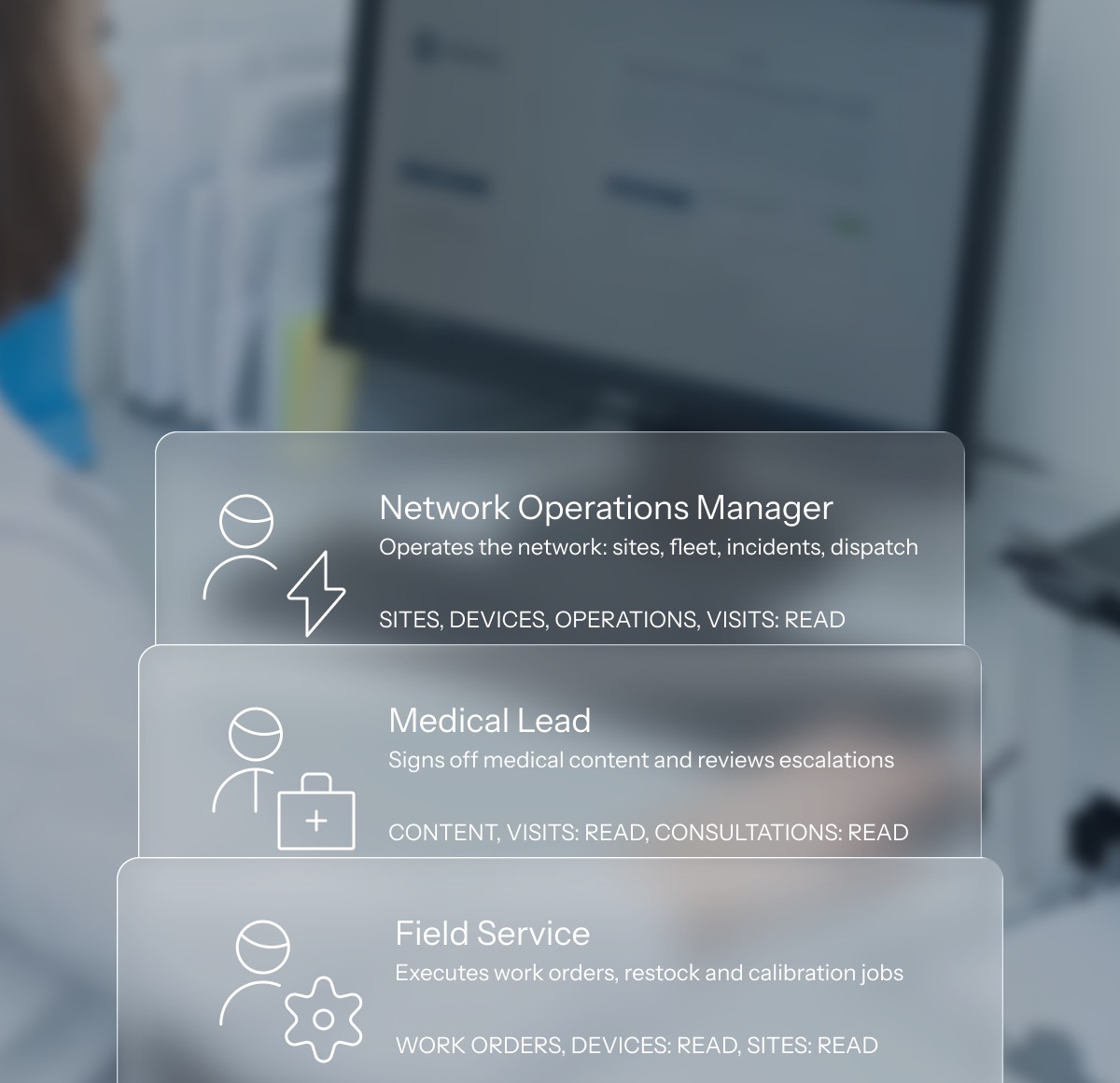
Every site you add puts more people within reach of a patient record. Under the GDPR that separation has to be a control rather than a matter of trust, so it runs through roles and permissions. Every read is logged.
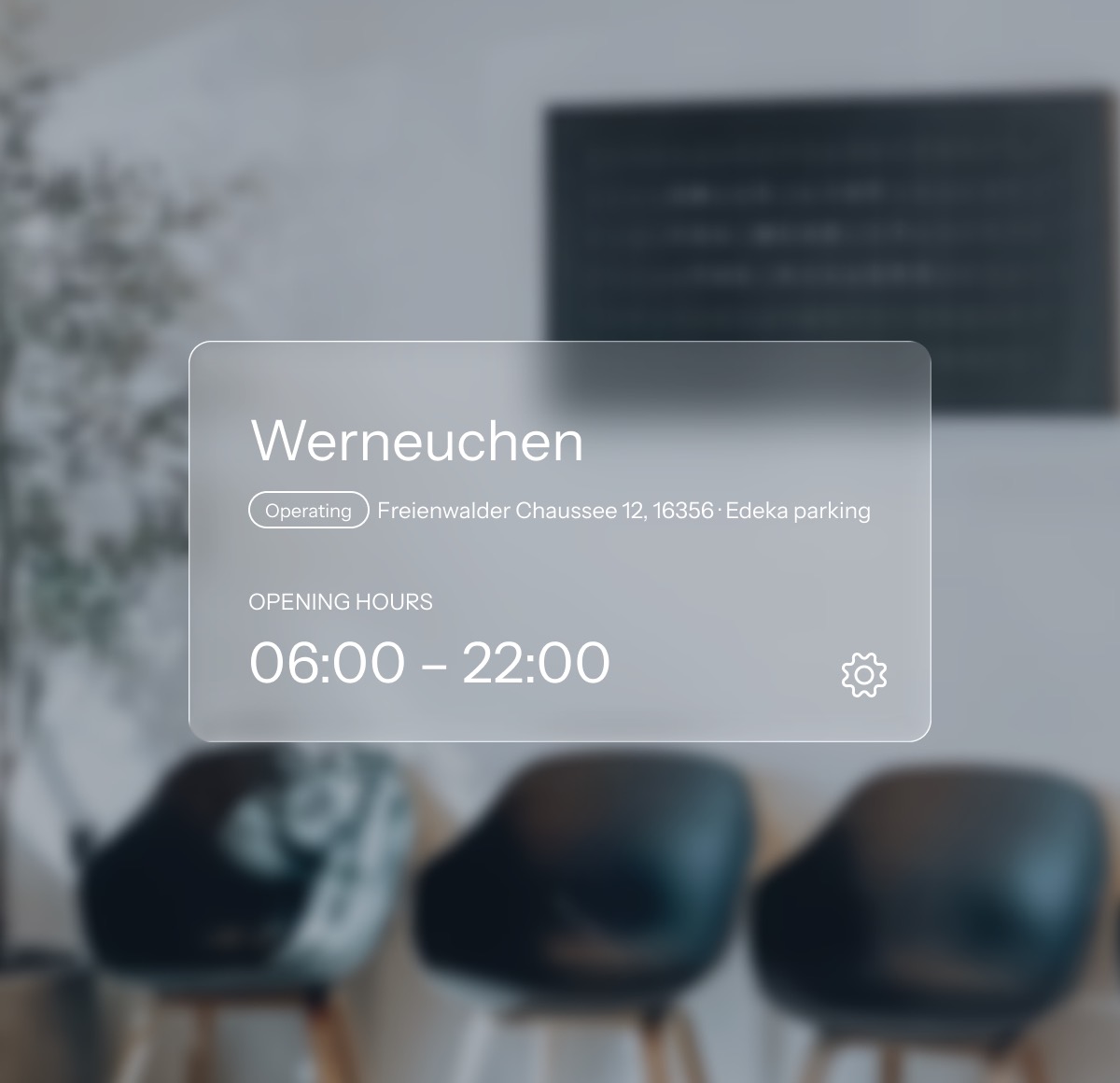
A room runs with a doctor on site, with an assistant on site, or with nobody. You decide that per site and you can decide it again later.
By role

What it covers
The kiosk application, the medical device firmware, the video service and the payment terminal stay yours. AbiKiosk integrates with them and holds the records they produce.
The network

The care

The business

The platform
Data protection
Consultations and secure messaging run on Matrix, an open, federated protocol that can be hosted on infrastructure the operator controls. No consumer messaging service sits in the consultation path. Matrix is also the protocol the gematik TI-Messenger specification builds on.
Running a network means more people can reach patient records. The operator decides who holds which role. Operations staff see that a measurement was flagged. They do not see the measurement. The boundary is enforced by role, not by convention, and every read is written to the audit trail.
Consent is versioned and keeps its full history, so it is always answerable which version applied on a given day. Access to a record is scoped by role and logged on every read. Retention rules are configured per record class, and that is where the operator decides how a long statutory retention period and an erasure request fit together.
Maintenance and metrological-check intervals are scheduled per device, and each work order records what was carried out, by whom and when. Those records export as the evidence for the operator’s Medizinproduktebuch under the MPBetreibV. Medical content is versioned with sign-off history, and logging is append-only.
Integrations
Visit sessions, questionnaire responses, telemetry, help-button events.
Measurements with device provenance, health checks and self-tests.
Matrix. Consultation events, transcript references, documents.
Transactions, refunds, settlement files.
DATEV-compatible export.
Appearance
Logo, accent colour and the name in the shell belong to the operator. Staff sign in to something that looks like the organisation they work for, not like a supplier they have never heard of.
Both themes ship, and the choice follows the person rather than the device. A room with the blinds down and a desk at head office do not have to agree about it.
Three steps, moving type, controls and spacing together rather than only the type. A tablet held at arm’s length is a different instrument from a desk monitor.
Translated in full, and the language follows the user, so a German site doctor and an English-speaking network manager read the same record each in their own.
Questions
Two consoles over one record. Control Center runs the network from a desk. Clinic runs a single room from a tablet. A visit is the same record in both, seen through two permission profiles and written to one audit trail.
It is a web application, so the consoles run in a current browser on the desktops and tablets an operator already has, Windows included. Nothing is installed on the workstation and nothing is tied to one vendor’s hardware.
Yes. It can be hosted by us or deployed into infrastructure the operator controls. Which of the two, and in which jurisdiction the data sits, is scoped per engagement rather than fixed by the product.
Device integration is a defined boundary in the platform: a measurement arrives with its device provenance and is bound to the visit that produced it. Which devices and which transports are onboarded is scoped per engagement.
Video and secure chat run on Matrix by default. Consultation events, transcript references and documents attach to the visit through a defined interface, so another provider can take that place where an operator already runs one.
Incidents and work orders are records with their own history, owner and resolution. Forwarding them into a hotline, mailbox or ticket system an operator already runs is an integration scoped per engagement.
English and German, translated in full rather than machine-filled. The language follows the user, so a German site doctor and an English-speaking network manager read the same record in their own language.
The operator does. Records export in open formats, and the accounting month leaves as a DATEV-compatible export. Nothing about the design requires an operator to stay in order to keep reading what it collected.
That’s what one system makes possible.